How to change the language and theme and contact support in Dolphin {Cloud}
Updated:
⚡ In short
- The Dolphin {Cloud} interface is available in 6 languages, switch it in the side menu.
- Light and dark themes are available.
- Service news, onboarding for beginners and support chat are always at hand.
A short guide to the interface: how to change the language and theme, where to find updates and how to reach support quickly.
🌍 Interface language
The service is translated into 6 languages:
| Language | Code |
|---|---|
| 🇷🇺 Russian | ru |
| 🇺🇦 Ukrainian | uk |
| 🇬🇧 English | en |
| 🇨🇳 Chinese | cn |
| 🇵🇹 Portuguese | pt |
| 🇻🇳 Vietnamese | vi |
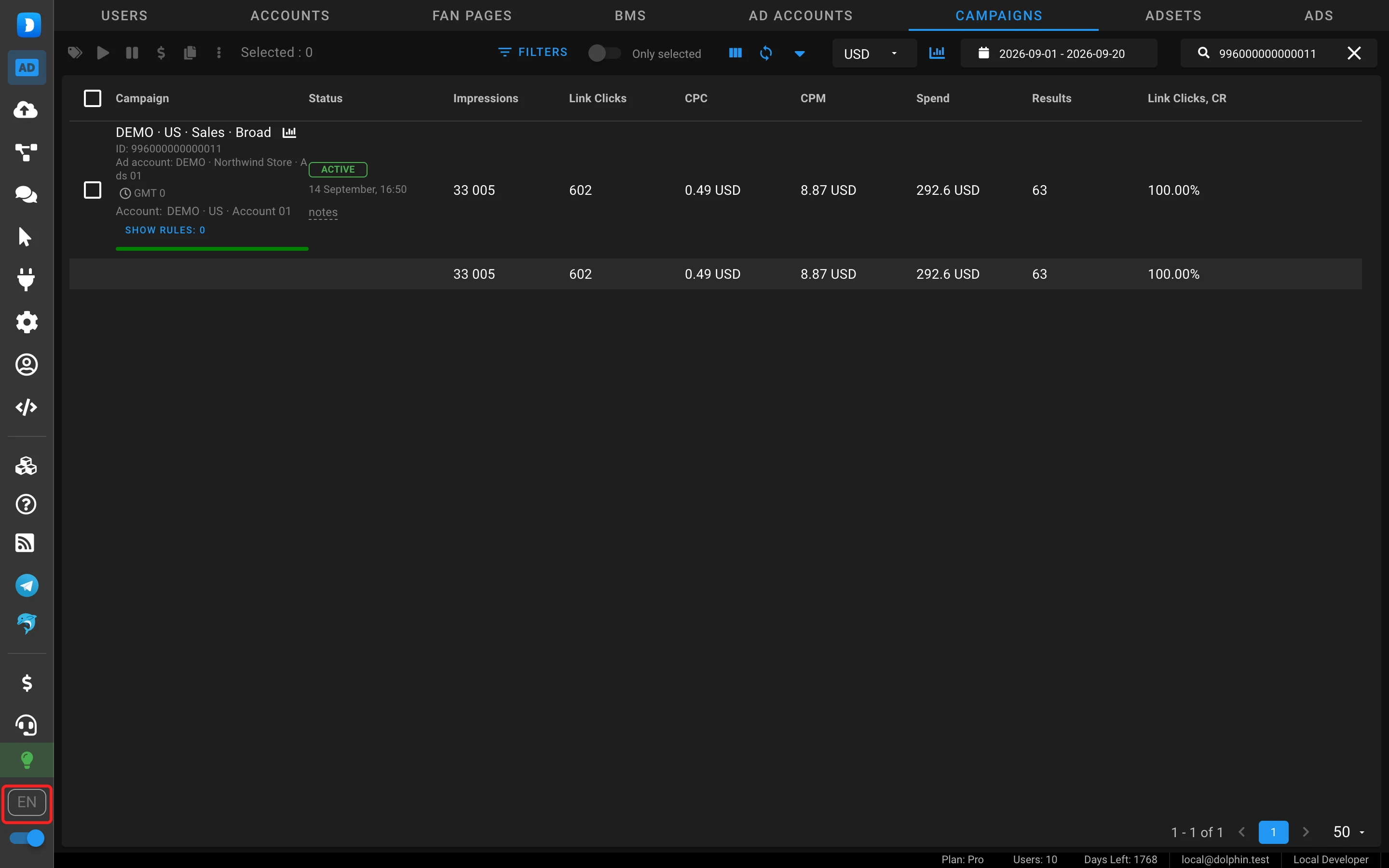
- Open the side menu.
- Click the language switcher.
- Pick a language: the interface updates right away.
🌗 Light and dark theme
- Switch between light and dark themes in one click.
- The dark theme is easier on the eyes during long sessions with statistics.
📰 Service news
- The news section lists updates and new features.
- An indicator shows when there is unread news.
💡 Tip
Check the news when the indicator appears so you don't miss new upload and analytics features.
🎓 Onboarding for beginners
On your first login the service shows an onboarding tour of the main sections. It helps you quickly find your way around.
ℹ️ Good to know
A step-by-step plan for your first actions is in Quick start.
💬 Support
- The LiveChat support chat opens right inside the interface.
- Describe the issue and attach a screenshot if needed to get a faster answer.
📚 Read also
🐬 Work in a convenient interface in your language: try Dolphin {Cloud}