How to earn with the affiliate program
Updated:
⚡ In short
- Invite users to Dolphin {Cloud} and earn 15% of their payments for life.
- Create your link in the profile under «Affiliate program».
- Payouts are handled by support.
Here is how to get your affiliate link, where to see your stats and which rules apply so you can receive payouts.
💰 How much you can earn
- 15% of every payment made by a referred user.
- The commission is lifetime: you earn as long as the user keeps renewing.
🔗 How to get your affiliate link
- Open your profile.
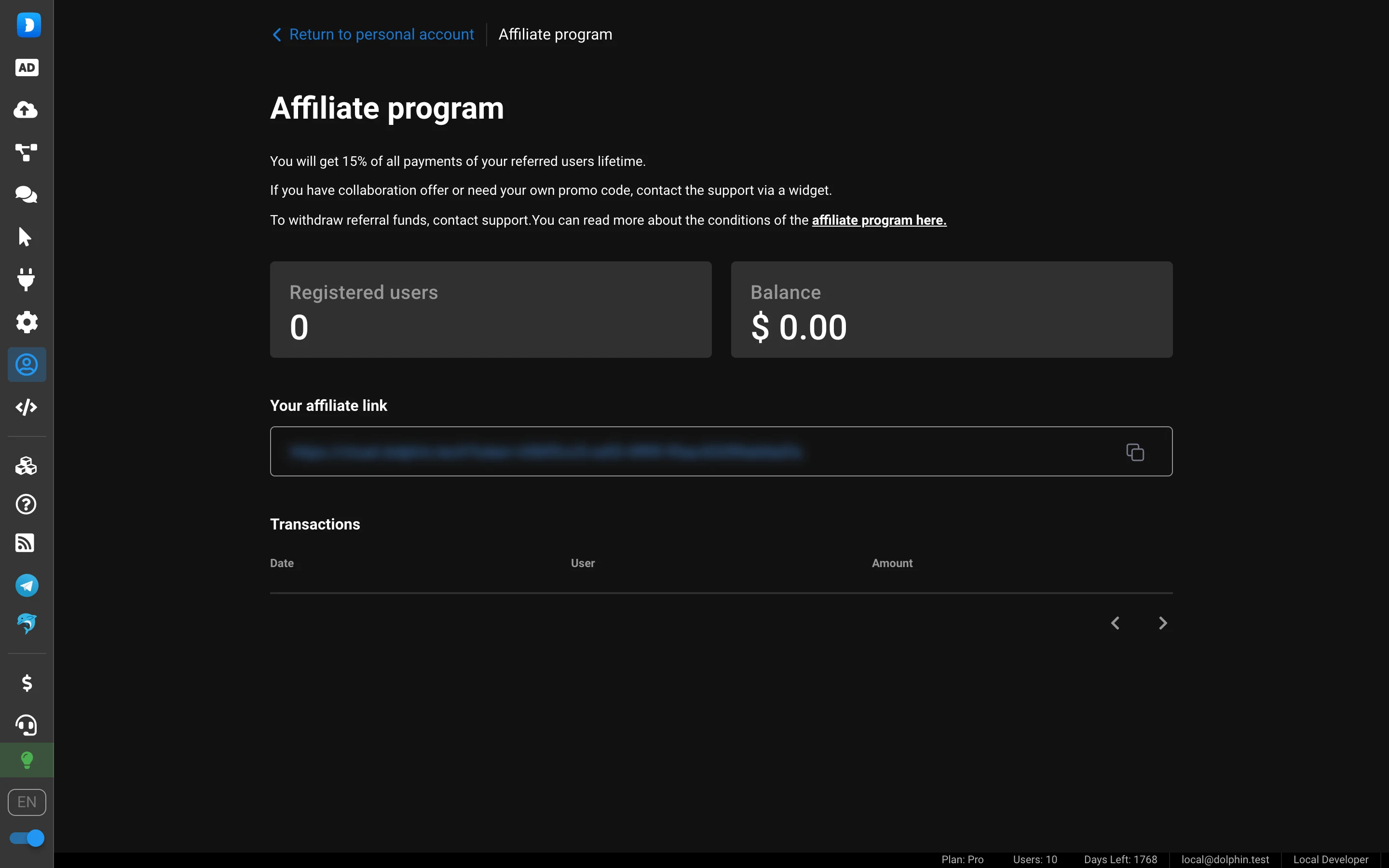
- Go to «Affiliate program».
- Click the button to generate a link.
- Copy the link and share it with your audience.
ℹ️ Good to know
Each account gets one affiliate link.
📊 Affiliate stats
| Metric | What it shows |
|---|---|
| 👥 Users | How many people signed up with your link |
| 🧾 Transactions | Payments made by referred users |
| 💼 Balance | Amount available for payout |
| 🕓 History | All accruals and payouts |
💸 How to get paid
- Check your balance in «Affiliate program».
- Contact support and request a payout.
- Provide the details where the money should be sent.
🚫 Promotion rules
⚠️ Important
Brand keywords are not allowed in paid ads (Google Ads, Yandex Direct and others):
- dolphin cloud
- dolphin
- долфин
- дельфин автозалив
- долфин клауд
Breaking these rules may cancel your accruals.
💡 Tip
Reviews and case studies work best: show how you launch ads and analyze stats in the service.
📚 Read also
🐬 Recommend the service and earn: try Dolphin {Cloud}