How to group auto rules, schedule them and share them
Updated:
⚡ In short
- Group rules and apply them to dozens of ad accounts in Dolphin {Cloud}
- Set a custom schedule and budget changes in dollars or percent
- Share rules with your team without the risk of them being broken
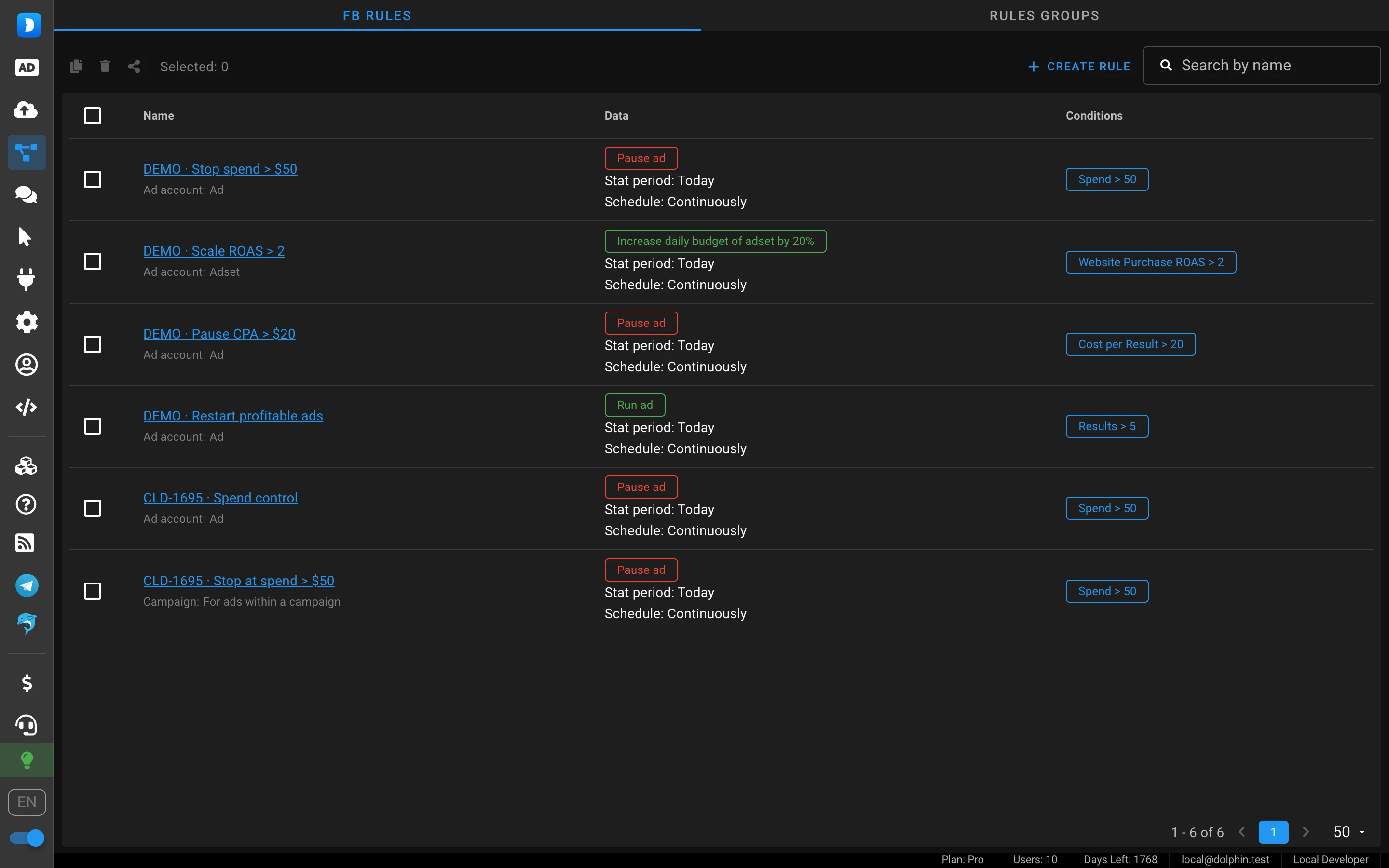
Automated rules in Dolphin {Cloud} are Facebook rules: Dolphin {Cloud} creates them and applies them to ad accounts, and Facebook runs them. Basic setup is covered in Facebook automated rules; this article covers features for working at scale.
ℹ️ Plan
Auto rules are available on every plan except Light.
🛠️ Creating and applying a rule
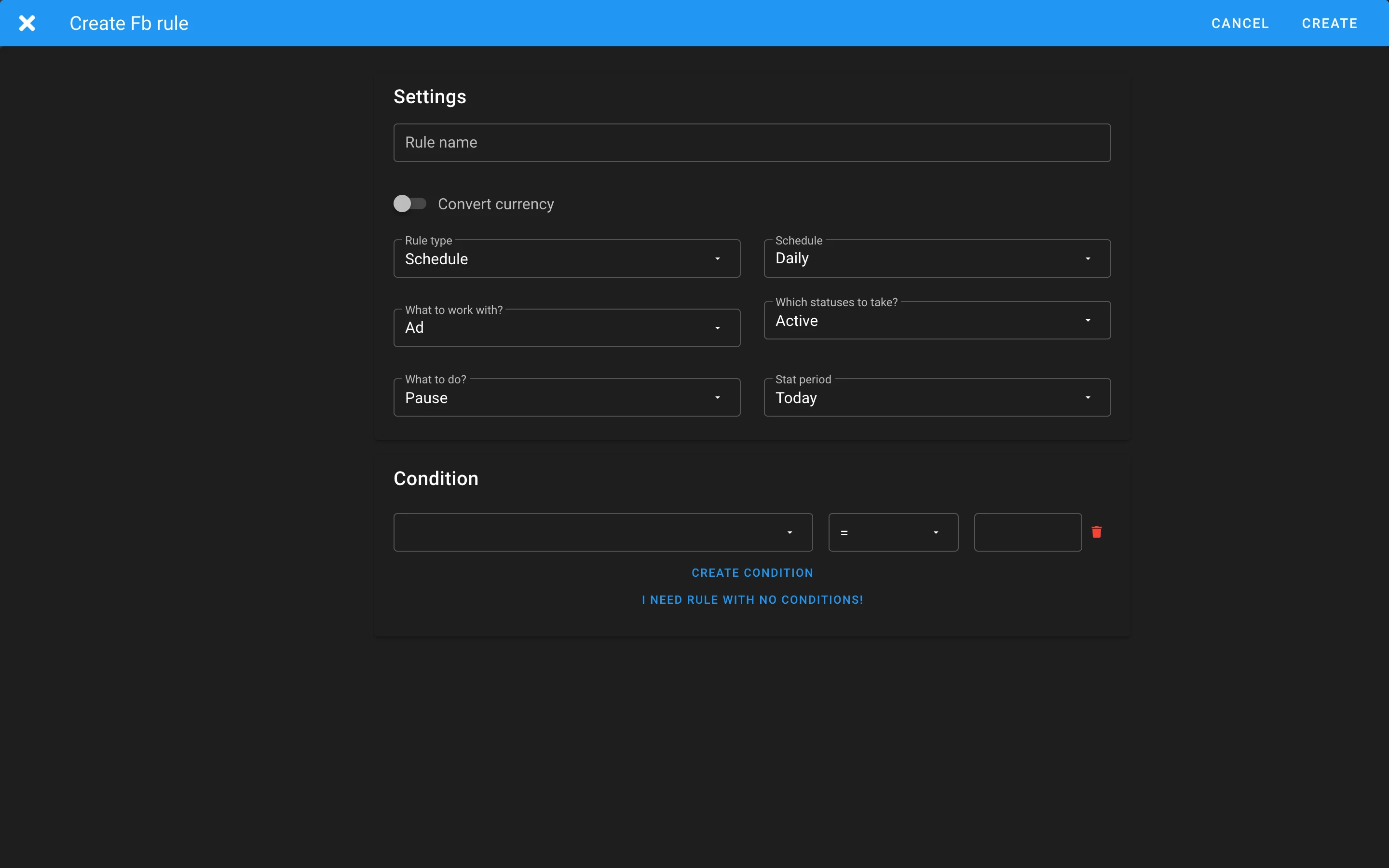
- Open "Automated rules" → "Create rule".
- Choose the object (ad, ad set or campaign), conditions, frequency and schedule.
- Save the rule.
- Go to Ads Manager → "Ad accounts", select ad accounts and in the actions menu choose "Apply automation rule" or "Apply automation rules group".
💰 Budget and bid
- Change by percent or by an absolute amount: in dollars or in the ad account currency.
- You cannot decrease by more than 100%.
🕒 Custom schedule
"Custom schedule" lets you set time intervals separately for each day of the week.
🗂 Rule groups
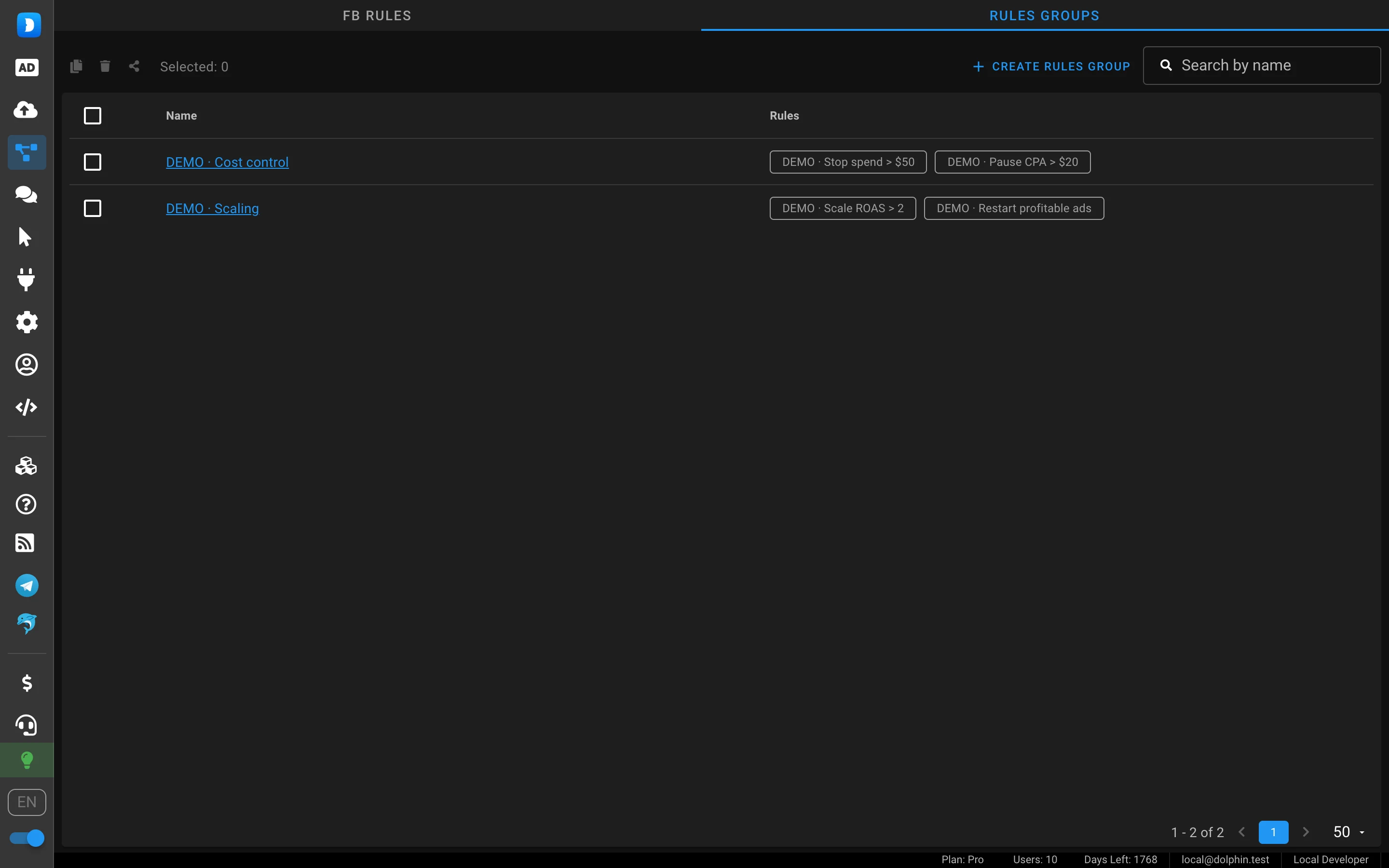
- A group has at least 2 rules.
- A group can be applied, turned on, turned off or removed on many ad accounts at once.
- Groups can be duplicated.
🎯 Rules for specific campaigns
Since February 2025 rules can be applied at the "Campaigns" level without opening Facebook, so the rule runs only for the selected campaigns. Step-by-step guide: How to apply auto rules to campaigns in Dolphin {Cloud}.
👥 Sharing with the team
- Rules and groups can be shared with team members.
- With "View" access, a rule can be applied but not edited.
⚠️ Important
- Dolphin {Cloud} has no rules of its own separate from Facebook.
- Rules created in Facebook itself are not shown in Dolphin {Cloud}.
- Rules cannot be applied at the "Ad sets" and "Ads" levels.
- Search in groups finds only ad account rules.
ℹ️ Good to know
Dolphin {Cloud} handles the Facebook error "Performance conditions are unavailable" automatically, no action needed.
📚 See also
🐬 Automate budget control across all ad accounts at once: try Dolphin {Cloud}