How to choose a plan and pay for your subscription
Updated:
⚡ In short
- Dolphin {Cloud} has five plans: Trial, Light, Start, Base and Pro.
- The 3-day Trial gives full access after you confirm your account via Telegram.
- Renew, change your plan and add users in your profile under «Overview».
Here is how the plans differ, how the trial works, how to renew or change your subscription and which payment methods are available.
🎁 Trial period
- Available for 3 days after sign-up and account confirmation via Telegram.
- All features are unlocked.
- Up to 3 users, 20 accounts and 20 ad uploads.
- Creative auto-uniqueization is included.
📊 Plan comparison
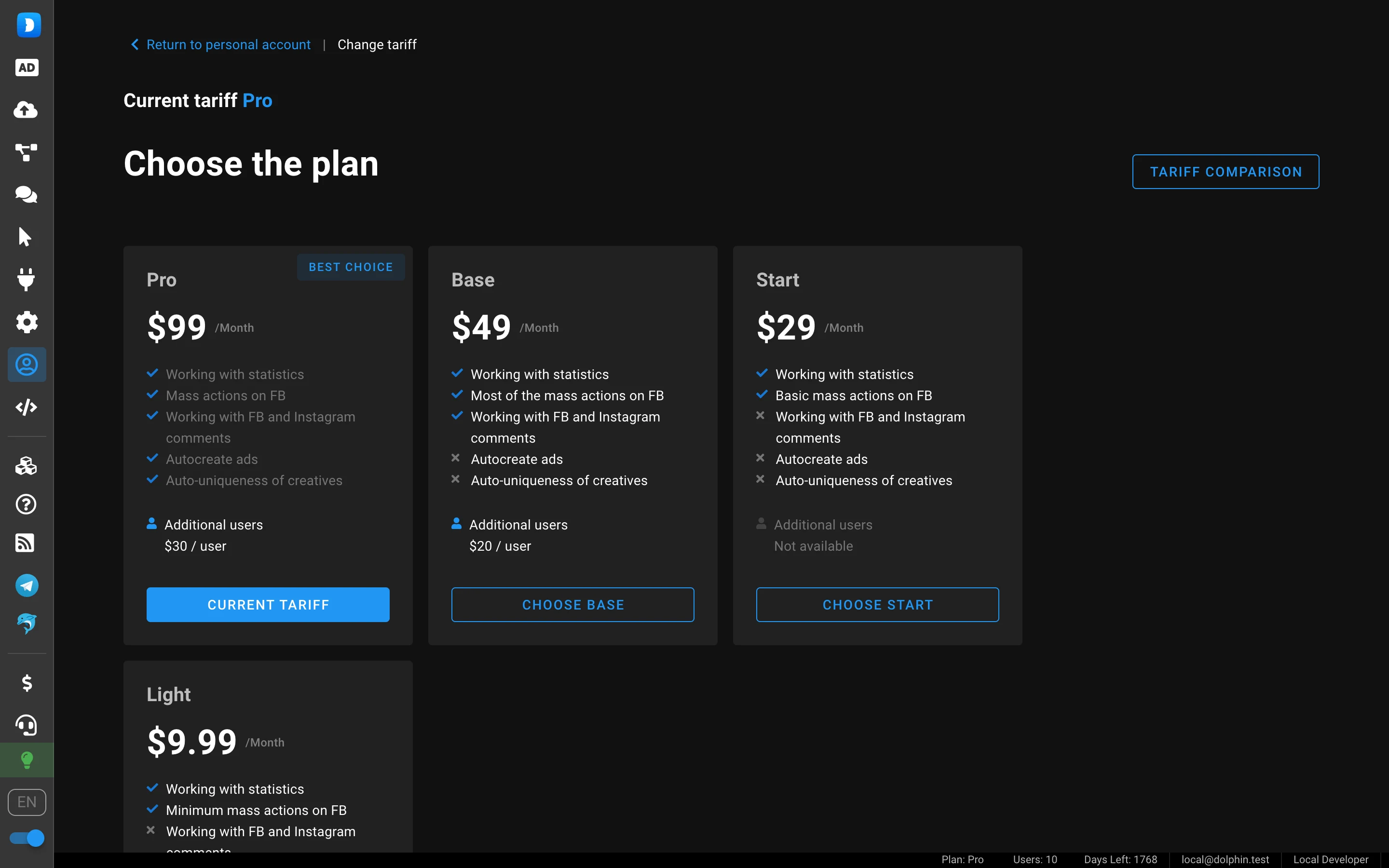
| Feature | Trial | Light | Start | Base | Pro |
|---|---|---|---|---|---|
| 🚀 Ad upload | ✔ | - | - | - | ✔ |
| 🎨 Auto-uniqueization | ✔ | - | - | - | ✔ |
| 📈 Statistics breakdown | ✔ | - | - | - | ✔ |
| ✏️ Bulk editing | ✔ | - | - | ✔ | ✔ |
| 🔁 Postbacks | ✔ | - | - | - | ✔ |
| 🧹 Comment cleaning | ✔ | - | - | ✔ | ✔ |
| 📤 Cost export to Keitaro | ✔ | - | - | ✔ | ✔ |
| 👥 Team subscription | ✔ | - | - | ✔ | ✔ |
| 🤖 Auto rules | ✔ | - | ✔ | ✔ | ✔ |
💡 Tip
Get the exact price for your number of accounts and users in the calculator on our website.
👤 Managing your subscription
Your profile has three sections: «Overview», «Affiliate program» and «Profile settings». The subscription is managed in «Overview».
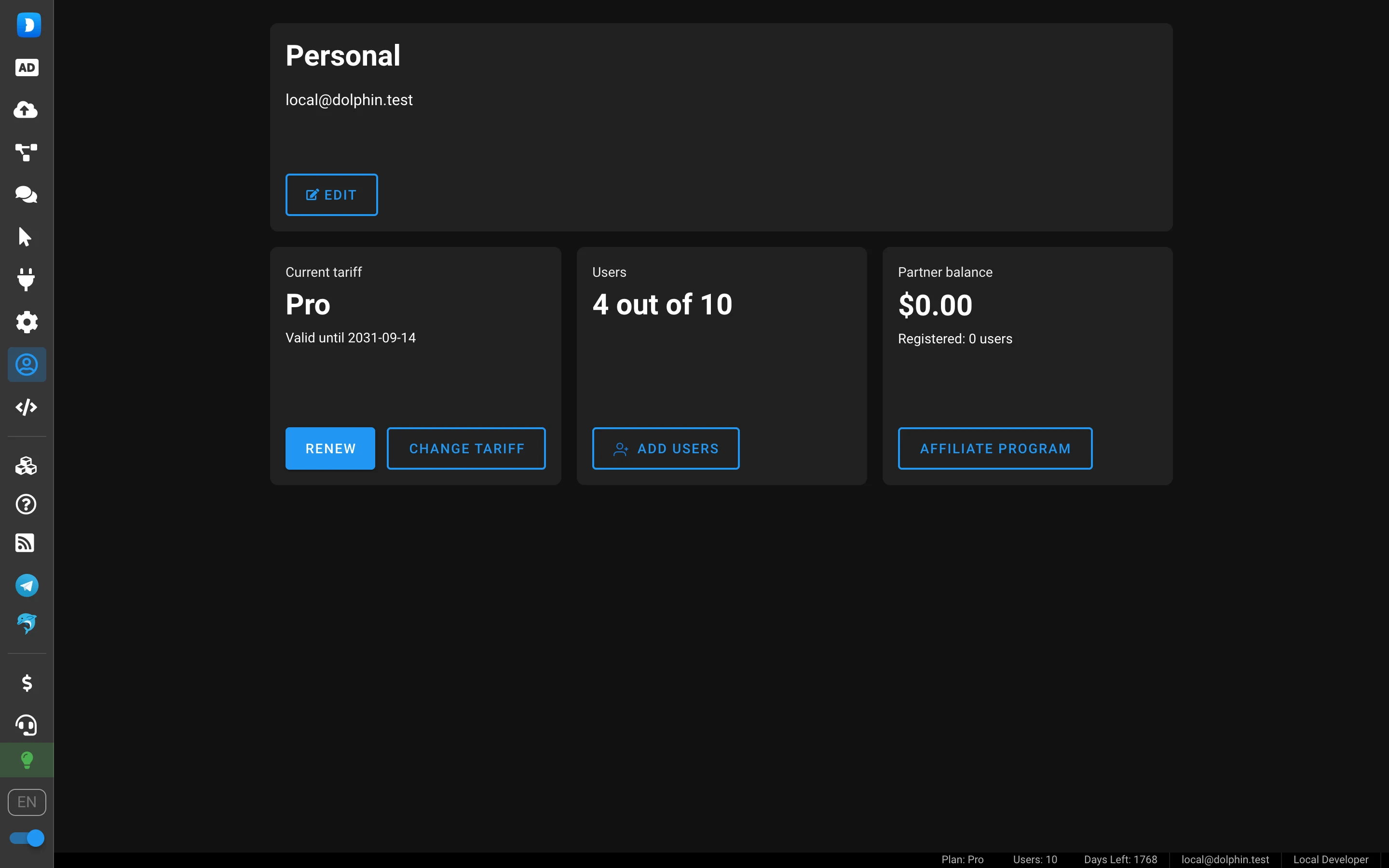
- Your current plan and its expiry date.
- Number of users in the subscription.
- «Renew» and «Change plan» buttons.
- Adding or removing users.
🔄 How to renew or change your plan
- Open your profile → «Overview».
- Click «Renew» to pay for the next period on your current plan.
- Or click «Change plan» to upgrade and pay only the difference.
- Choose a payment method and complete the payment.
ℹ️ Good to know
- Before your plan ends, the service shows a warning so you have time to renew.
- You can add extra users yourself, up to 1000.
- A Dolphin {server} subscription can be transferred to an account with the same email.
💰 How the remaining subscription is counted
- When you change plans, Cloud calculates the value of the days left on your current subscription. In the payment window, a green banner shows «You have N days available when switching from the current tariff».
- This remainder lowers the amount to pay. It does not add extra days on top of the new subscription.
- The total to pay is shown on the right of the window before you click «Purchase».
💳 Payment methods
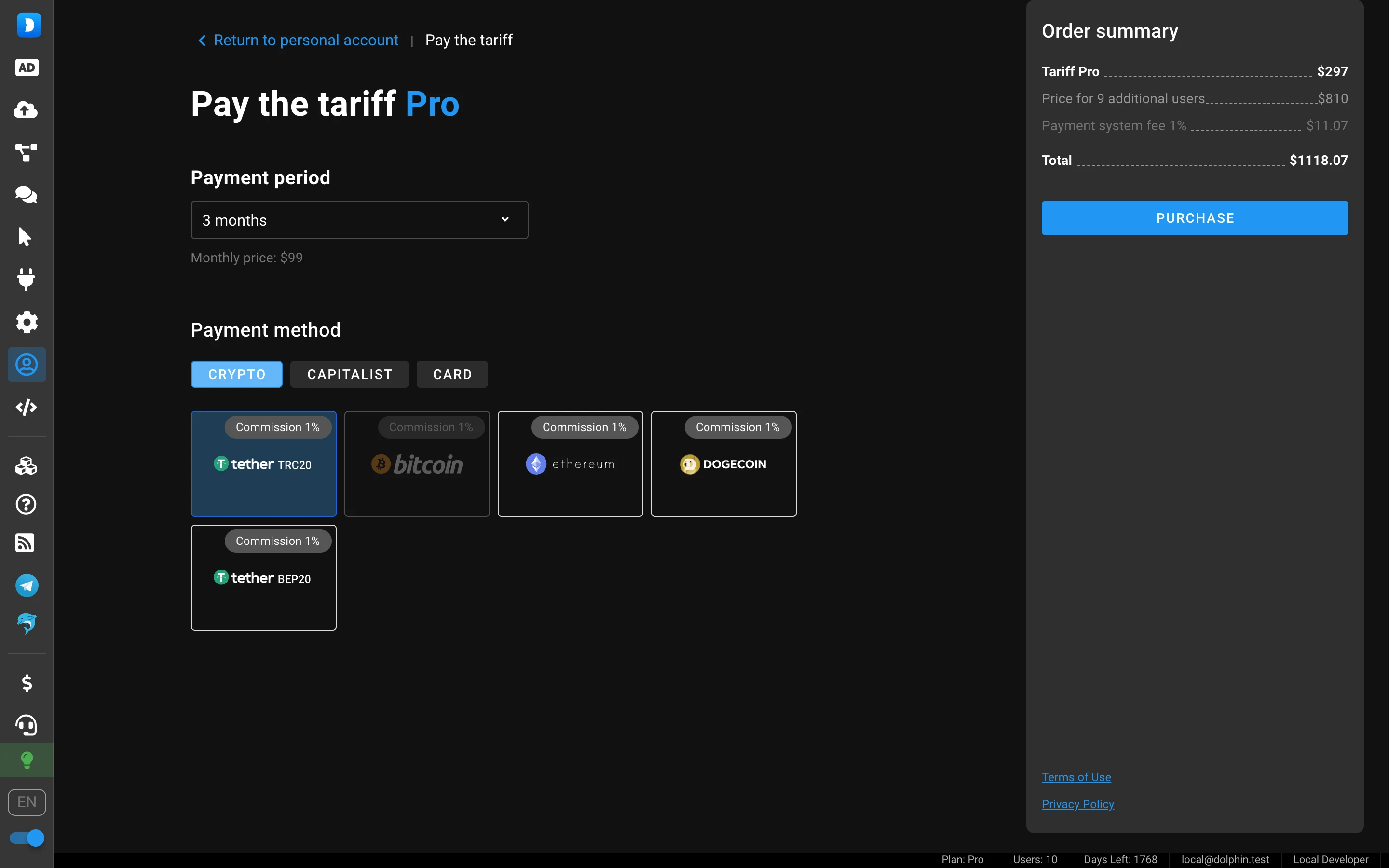
| Method | How it works |
|---|---|
| Capitalist | Payment via the Capitalist payment system |
| Cryptocurrency | Automatic transfer to the service wallet |
| GatewayCrypto | Backup crypto gateway if the main one is unavailable |
⚠️ Important
- If the automatic crypto payment fails, contact support: they will give you a TRC20 wallet for a manual transfer.
- Promotions cannot be combined.
📚 Read also
🐬 Start with a free 3-day Trial: try Dolphin {Cloud}