How to import tracker data into Ads Manager
Updated:
⚡ In short
- Pull leads, registrations and deposits from Keitaro or Binom into Dolphin {Cloud}
- See cost per conversion next to spend in Ads Manager
- Learn how to set up spend export without discrepancies
Import works the other way round from spend export: Dolphin {Cloud} pulls conversions from the tracker and calculates their cost.
ℹ️ Plan
Importing data from trackers is available only on the Pro plan and on the trial.
📥 How to turn on import
- Open "Settings" → "Data import".
- Choose a tracker: Keitaro or Binom (beta, requires an API key).
- Pick up to 3 columns to import.
- Set the tracker's time zone and save.
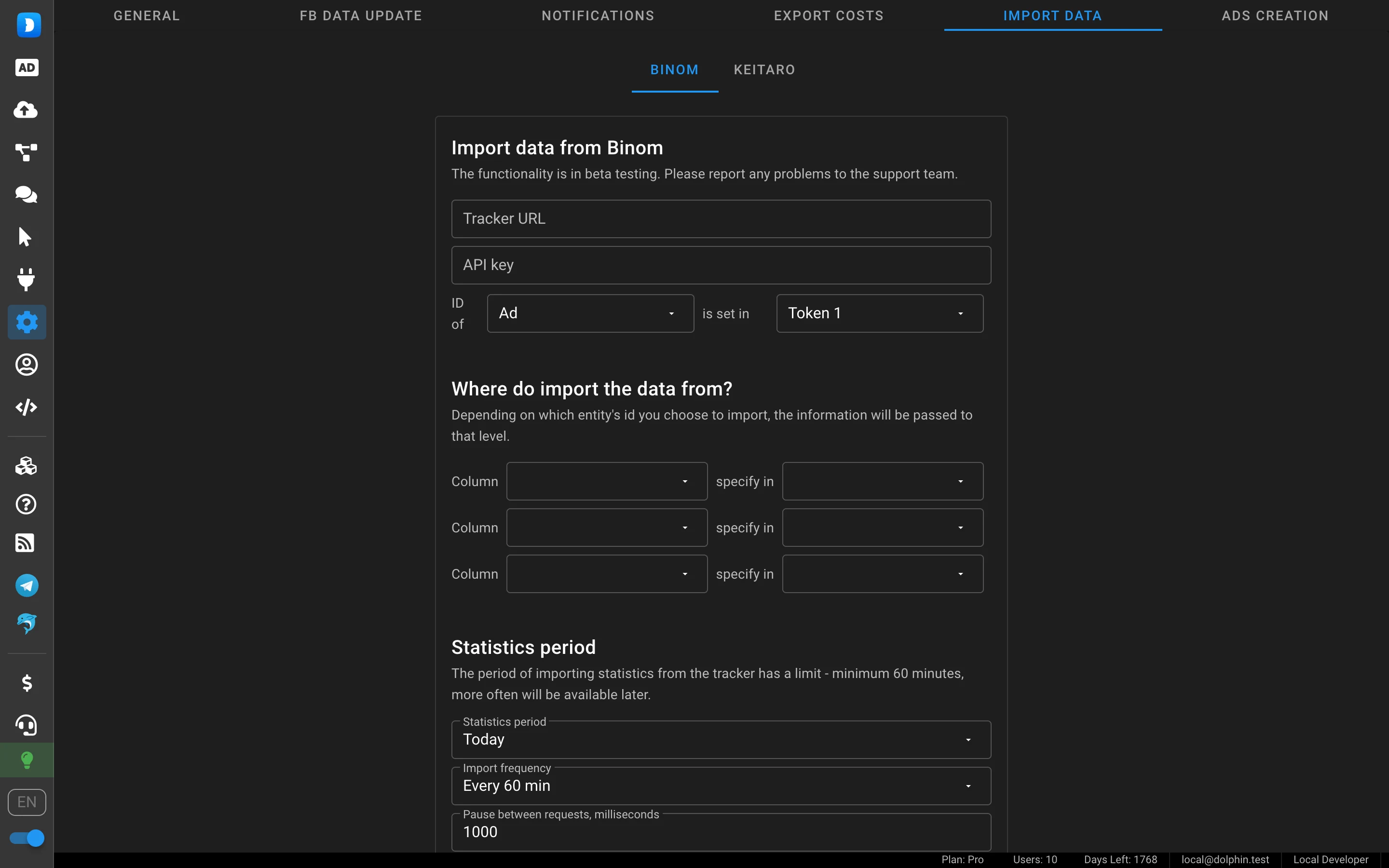
📊 Which columns appear
- "Leads (tracker)", "Registrations (tracker)", "Deposits (tracker)".
- A CPA for each of them.
- Columns are available at every level and on the "Users", "Accounts" and "Ad accounts" tabs.
💡 Tip
Add these columns to your preset to see spend and results in one table. See Columns, currency, export and notes.
📤 Spend export updates
Export is set up in "Settings" → "Spend export" and supports Binom, Binom v2 and Keitaro.
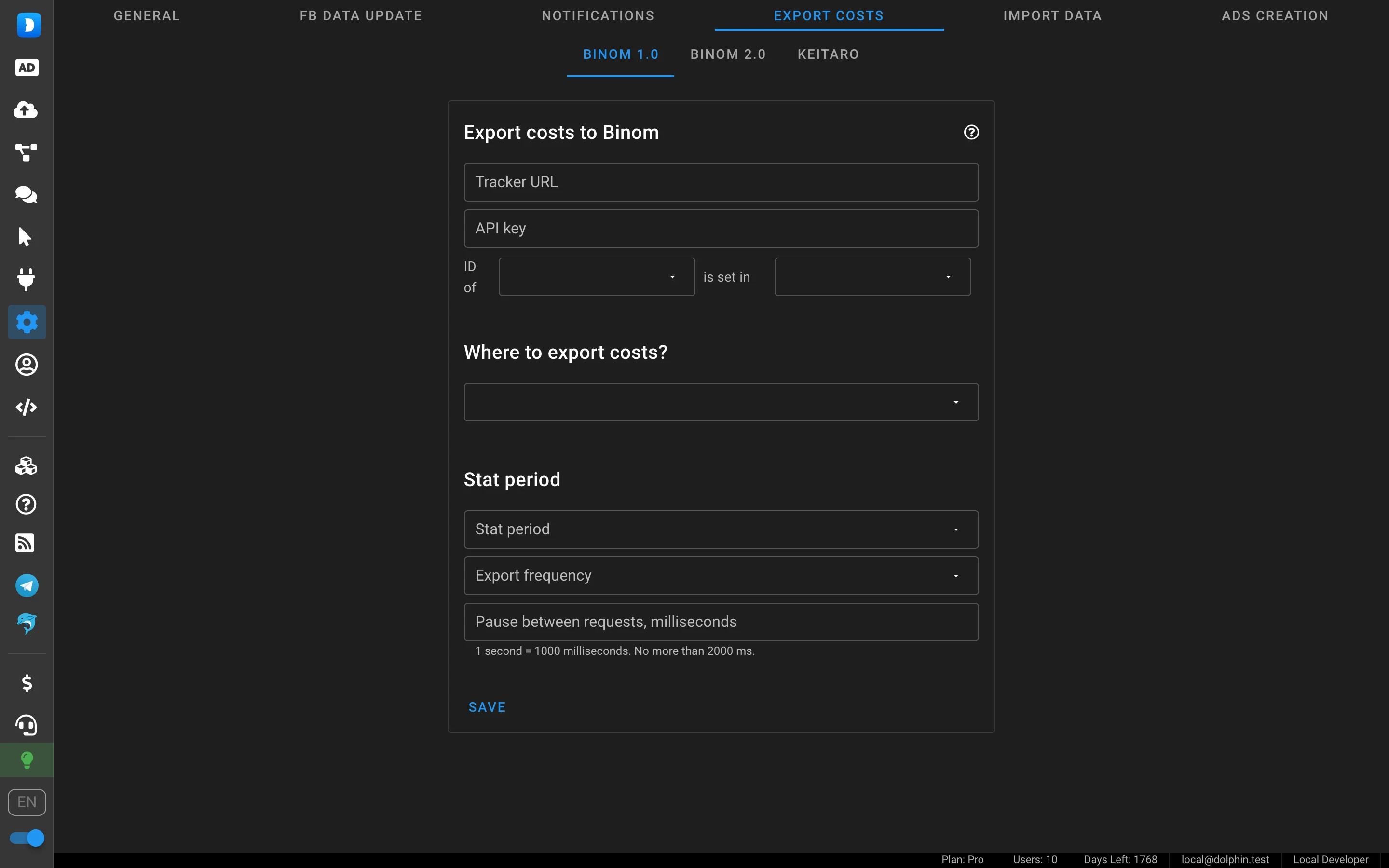
| Tracker | Link tag | What's new |
|---|---|---|
| Keitaro | ?sub_id_1={{ad.id}} | Spend at the ad account level, by Keitaro filters, "Ignore ad account time zones", unique clicks, periods up to 365 days |
| Binom | ?t1={{ad.id}} | Campaign selection, interval, "today and yesterday" period |
⚠️ Important
- The minimum export interval is 25 minutes.
- Spend is sent only if the tracker has a click at that level. With few clicks, export at the campaign or ad account level.
- If Keitaro spend "jumps", set the time zone in the integration settings.
- Other trackers are not supported yet.
📚 See also
🐬 Spend and conversions in one table, no manual reconciliation: try Dolphin {Cloud}