How to hide and delete comments under your ads
Updated:
⚡ In short
- Turn on automatic comment handling in Dolphin {Cloud}: hide, delete or just download.
- Choose a safe processing interval.
- Set up trigger words.
- Moderate comments manually in the Comments feed.
ℹ️ Plan
The “Comments” section is not available on the Light and Start plans.
🤖 Automatic comment handling
If you choose automatic handling, all you need is to choose what to do with comments: hide, delete or just download them.
Go to the Post Comments tab and turn on "Process comments".
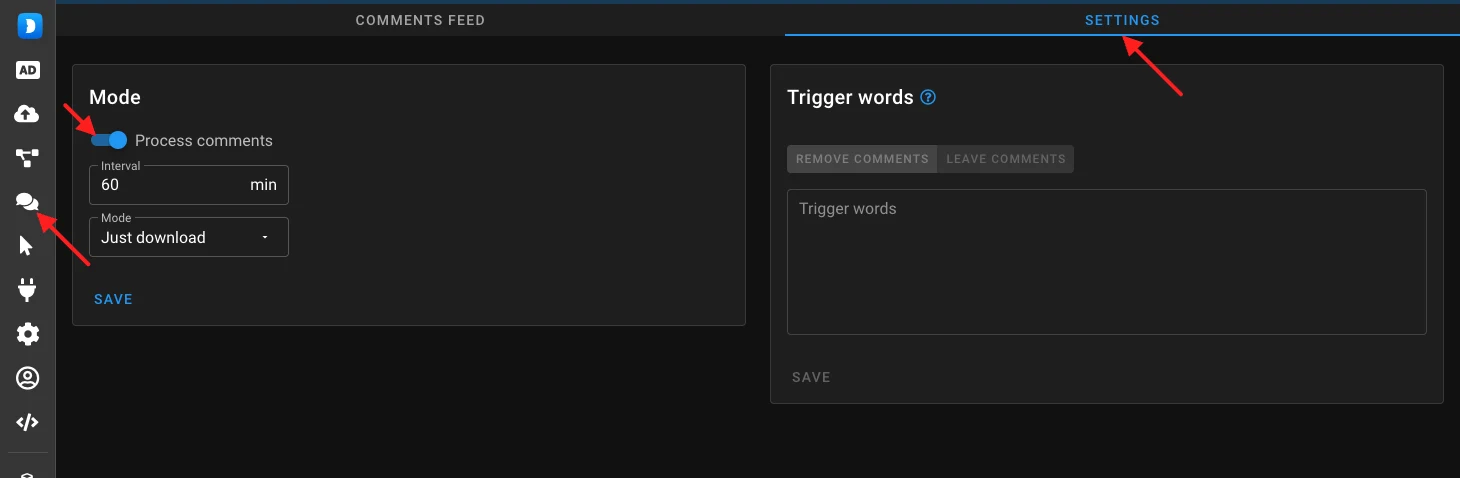
Choose the mode:
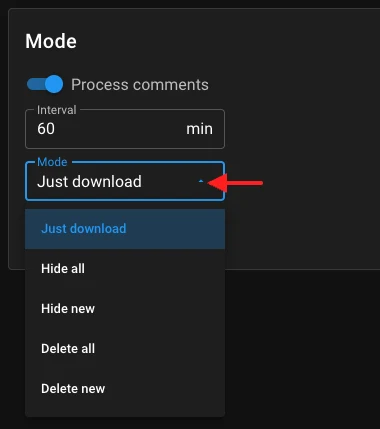
- Just download
- Hide all
- Hide new
- Delete all
- Delete new
Enter the interval in minutes and click Save.
⏱️ Choosing the comment processing interval
⚠️ Warning
FB refreshes comments every 15 minutes, so set at least 30 minutes. A shorter interval may get comment handling in our software blocked.
It is best to match the time with the FB Data Update, so that comments are pulled from FB first and then deleted.
ℹ️ Good to know
We only clean comments on posts launched via Ads Manager and shown in Ads. We don't clean anything else.
💡 Tip
If you notice the system does not clean comments or can't keep up, increase the comment processing interval and check that tokens and stats updates work correctly in Dolphin {Cloud}.
🎯 Working with trigger words
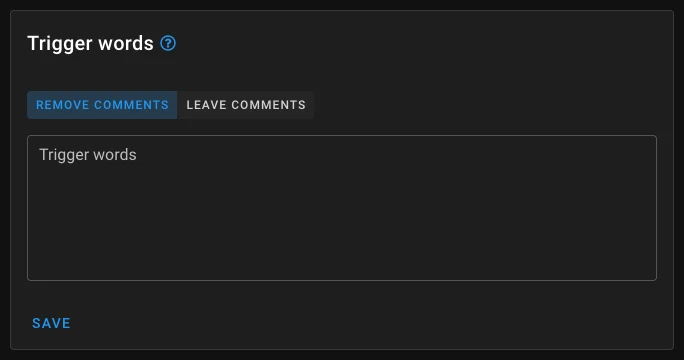
🧐 What are trigger words?
Trigger words limit comment handling to the list of words you set. For example, you set the trigger word "replic".
Now imagine 2 comments were left under an ad post:
- [comment #1] lousy replica!!!
- [comment #2] How can I contact you?
Depending on the trigger word mode, one of two things happens:
| Mode | What gets deleted |
|---|---|
| Remove comments | Comment #1, because it contains the trigger word |
| Leave comments | Comment #2, because it contains none of the trigger words |
✍️ How to enter words
Please note:
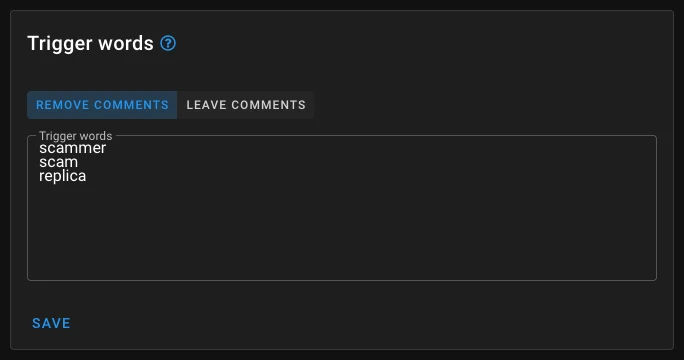
- Enter each word on a new line, without commas or other special characters.
- The word is matched as a substring. That is why, to "catch" two different comments, "lousy replica" and "sick of you advertising replicas", it is enough to enter the word "replic".
- Substring matching works for phrases too. You can enter the phrase "how can" as a trigger word. Then you will cover comments like "how can you be so annoying", "how can you not be ashamed", "how can anyone put up with you".
💬 Manual comment handling
Select Just download, enter the interval and click Save.
To moderate comments further, go to the Comments feed.
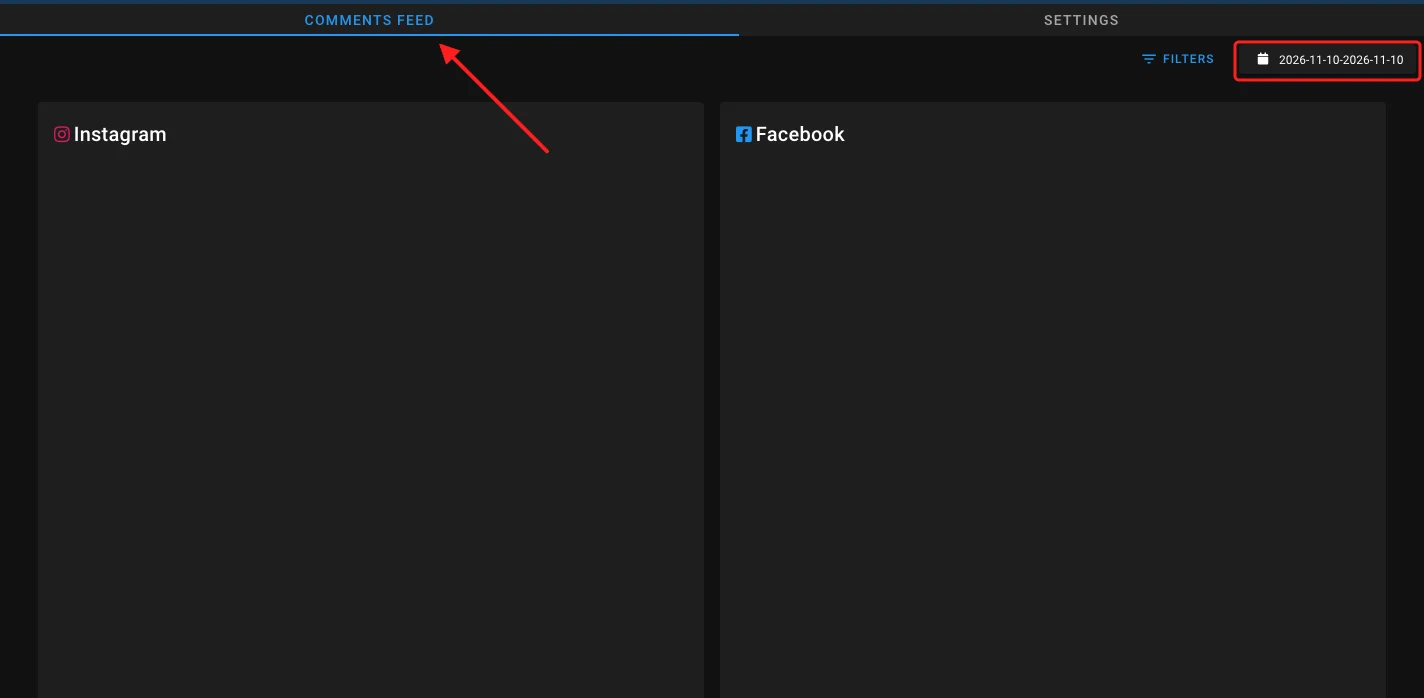
The page that opens shows comments on your ads. Just set the period for which to show comments. By default, all comments are shown here.
Then choose what to do with them: hide or delete. You will also see if a comment has already been deleted in FB.
ℹ️ Good to know
📌 You can filter the comments feed by account, ad account and account tags: use the “Filters” button above the feed.
If you run into any issues with the service, contact support.
🐬 Keep comments under your ads in check: try Dolphin {Cloud}