How to set up columns, currency, export and notes in Ads Manager
Updated:
⚡ In short
- Column settings and presets
- Useful columns
- Statistics currency
- Export
- Notes
Ads Manager tables in Dolphin {Cloud} adapt to your workflow: pick the metrics you need, save presets, change the statistics currency, export reports and leave notes right in the rows.
🔹 Column settings and presets
Open "Column settings", type a metric name and click "+". More than 160 metrics are available. Save the set and order of columns as a preset, and drag to change column widths.
Since September 2025 presets can be shared with the team. An admin, team lead or media buyer can share a preset, and access rights protect it from accidental changes.
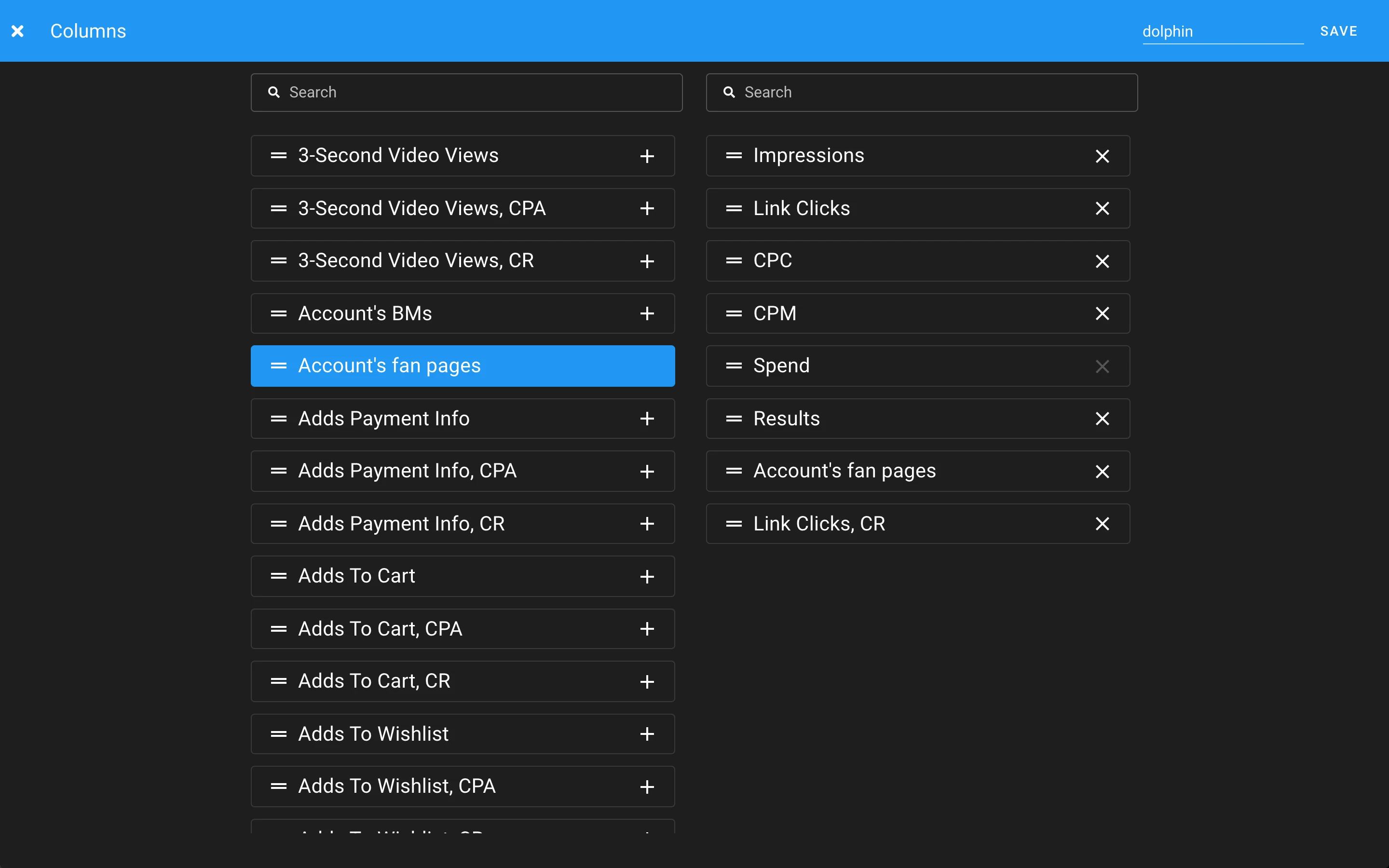
💡 Useful columns
- "Results conversion value" at every level (since June 2026).
- "Budget and bid", "Apps", ROAS, "Charges", "Total charges", last sync time.
- Spend limit progress on the "Ad accounts" tab.
- Postback columns: "Registrations (postback)", "Purchases (postback)" and CPA; see Postbacks.
- Tracker columns: "Leads", "Registrations", "Deposits (tracker)" and CPA; see Importing tracker data.
🔹 Statistics currency
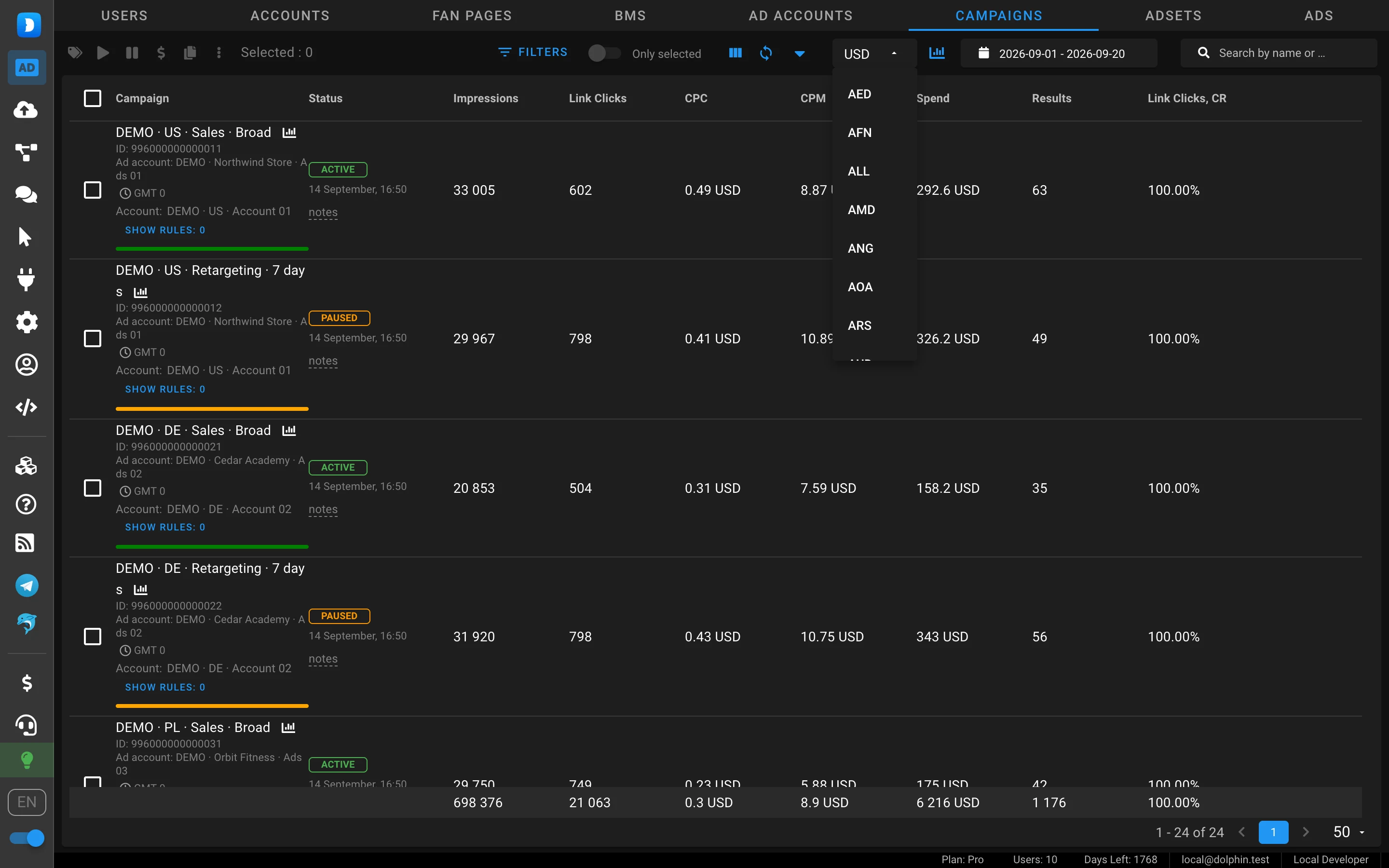
Since December 2025 statistics can be shown in another currency. Dolphin {Cloud} converts amounts at the current day's rate. The ad account's own currency is shown on the "Ad accounts" tab and in billing.
🔹 Export
Data at any level can be exported to PDF, XLS or CSV, or printed. The export includes the selected period and current column set, including "Budget and bid", pages, apps and parent entity IDs. Export is also a handy way to copy the IDs of selected rows to the clipboard.
🔹 Notes
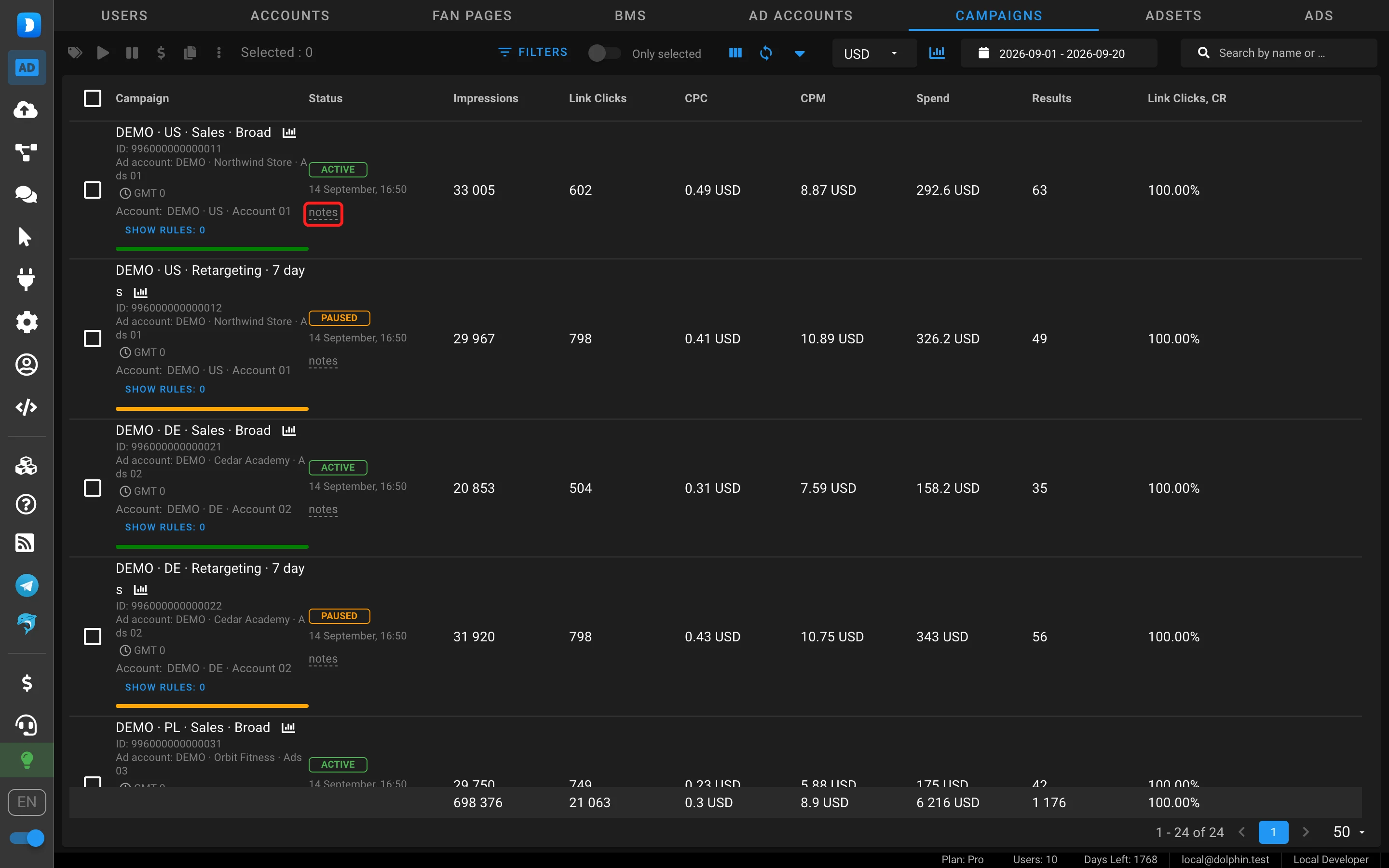
Since August 2026 you can leave notes at every Ads Manager level. Notes support formatting, colors and collapsing.
📚 See also
🐬 New to Dolphin {Cloud}? Try it free for 3 days.