How to break down statistics by gender, age, GEO and device
Updated:
⚡ In short
- How to open a breakdown
- Criteria
- Good to know
Since September 2025 Dolphin {Cloud} Ads Manager can break down statistics by gender, age, geo, placement, platform and device. You see which audience drives results without opening the Facebook ad account. The feature is available on the Pro plan.
ℹ️ Plan
Statistics breakdown settings are available on the paid Pro plan and on the trial.
🛠️ How to open a breakdown
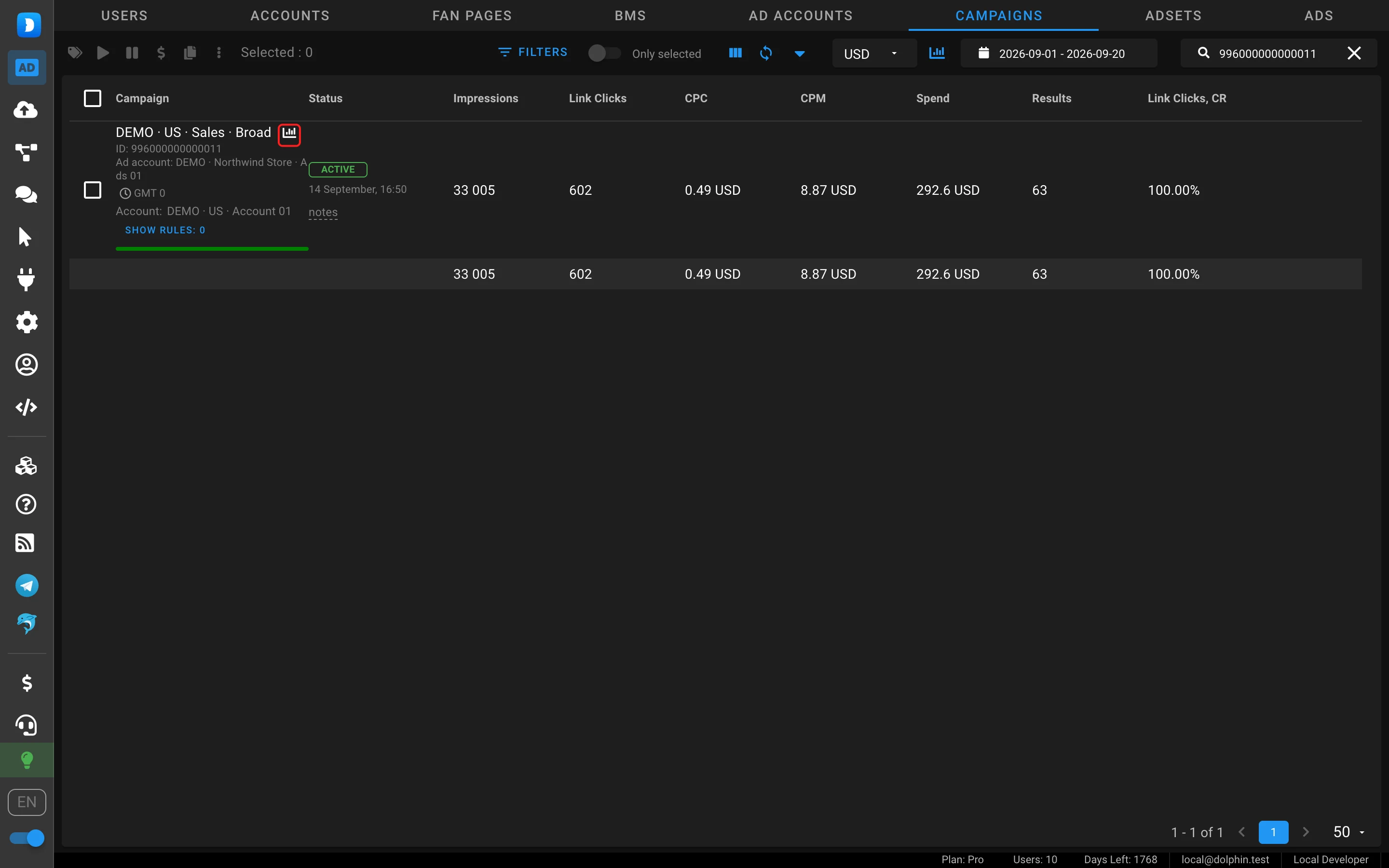
- Open the "Ad accounts", "Campaigns", "Ad sets" or "Ads" tab.
- Click the breakdown icon next to the name.
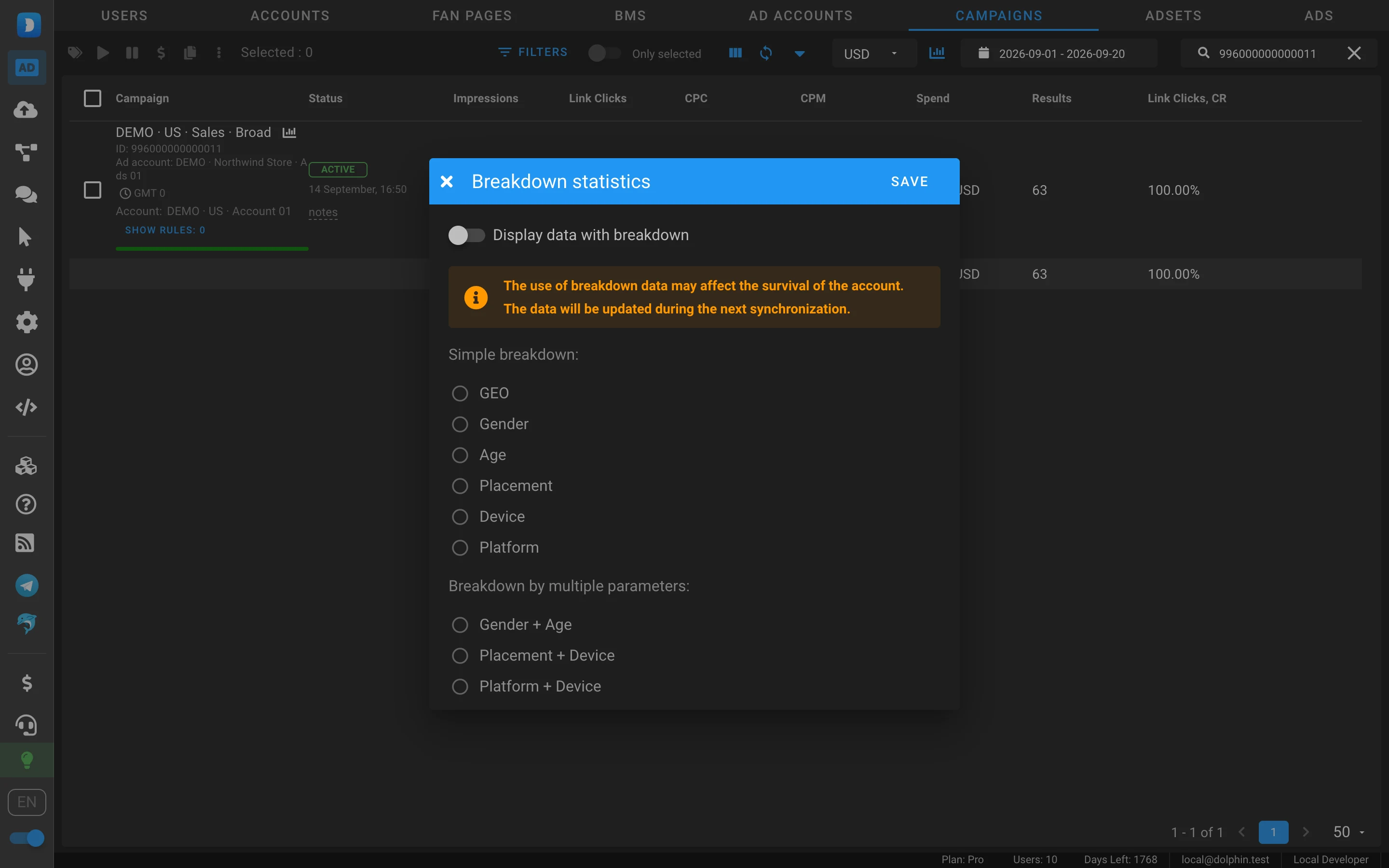
- Choose a criterion and period.
🔹 Criteria
- gender;
- age;
- geo;
- placement;
- platform;
- device;
- and pairs of criteria, such as gender and age.
💡 Good to know
- You can pick one criterion or one pair at a time.
- Data appears after the next statistics sync.
- Breakdown export is in development.
- Breakdown is available only on the Pro plan; see Plans and payment.
📚 See also
🐬 New to Dolphin {Cloud}? Try it free for 3 days.