How to set up statistics and what to do if they do not update
Updated:
⚡ In short
- Set up the stats columns you need in Dolphin {Cloud}.
- Learn where duplicate ad accounts come from and how to remove them.
- Check why there are no stats after a data update.
- Understand why updates take long and which interval to set.
📊 Why you need stats in Dolphin {Cloud}
In online marketing, you need to measure the effectiveness of every action. Otherwise, you risk wasting resources.
This applies not only to your website but also to social media pages, in our case Facebook. You can easily track Facebook page stats with our Dolphin service.
Choose the column type you need.
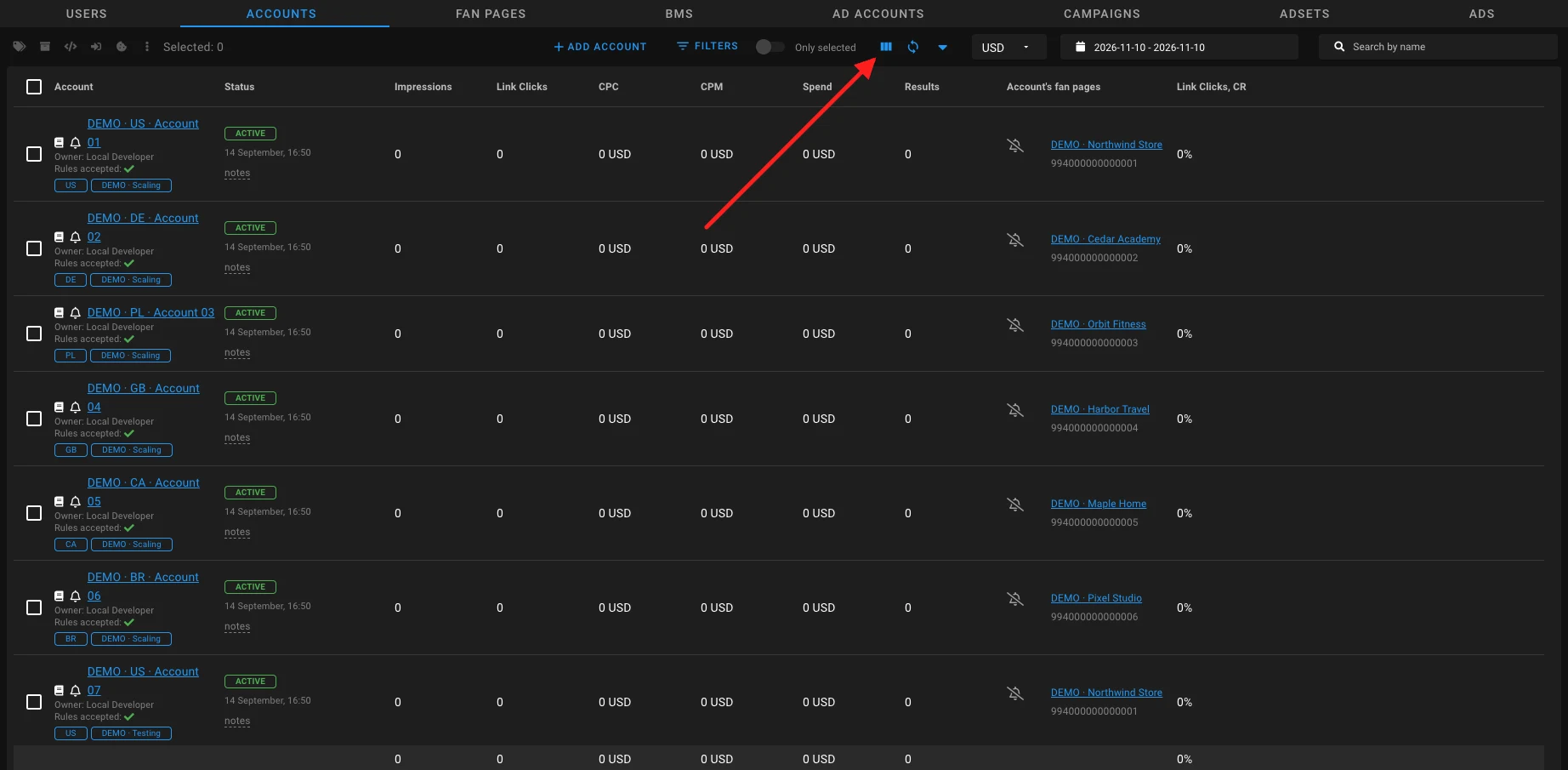
Track stats by it. There are many types, but the main ones are shown right away.
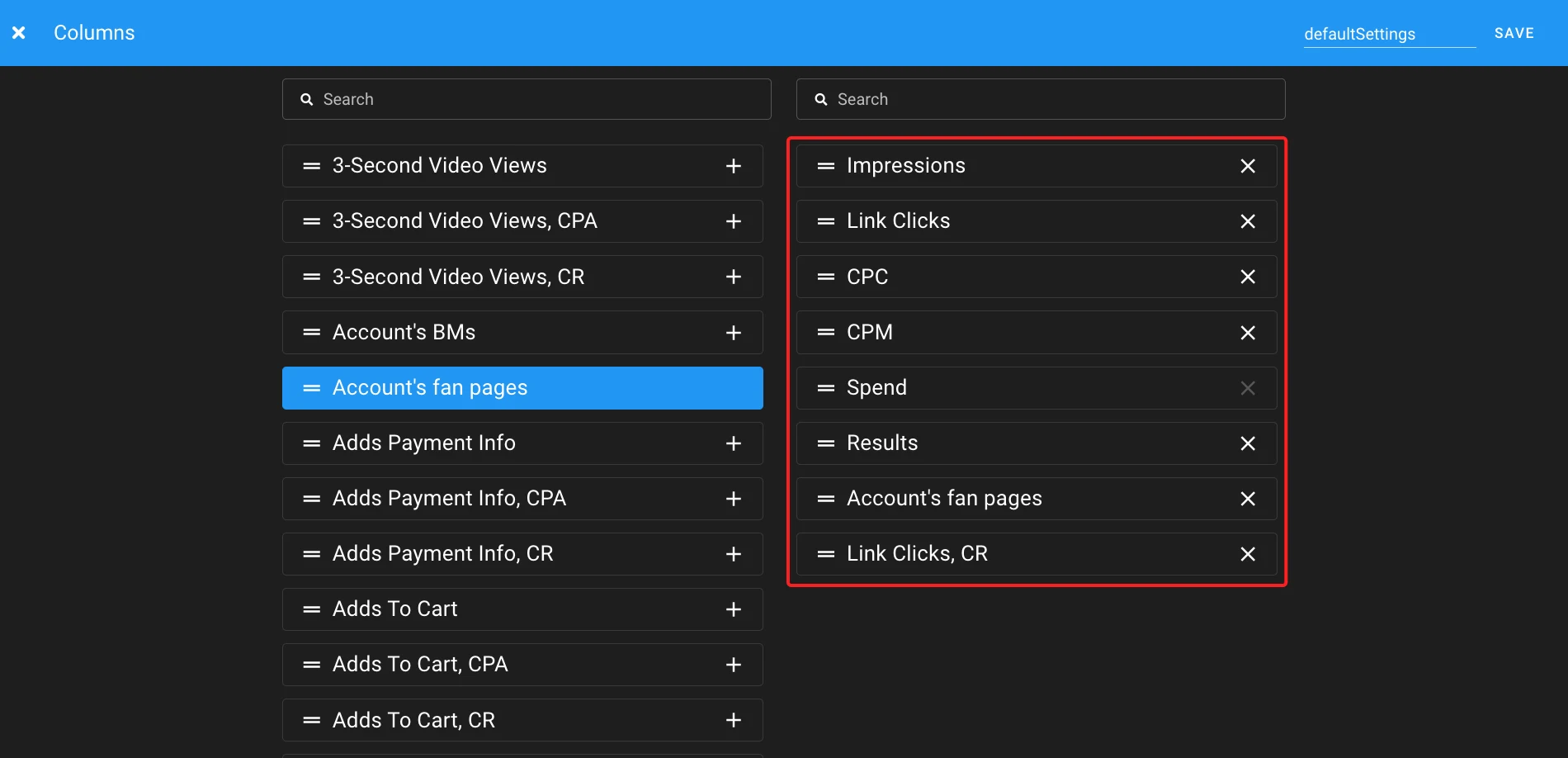
You can also select or search for any parameter in the list.
📄 How to export stats from Dolphin {Cloud} to a file
You can export stats at any level: ad accounts, campaigns, adsets, ads. The file includes the selected period and your set of columns.
- Select the period and set up the columns.
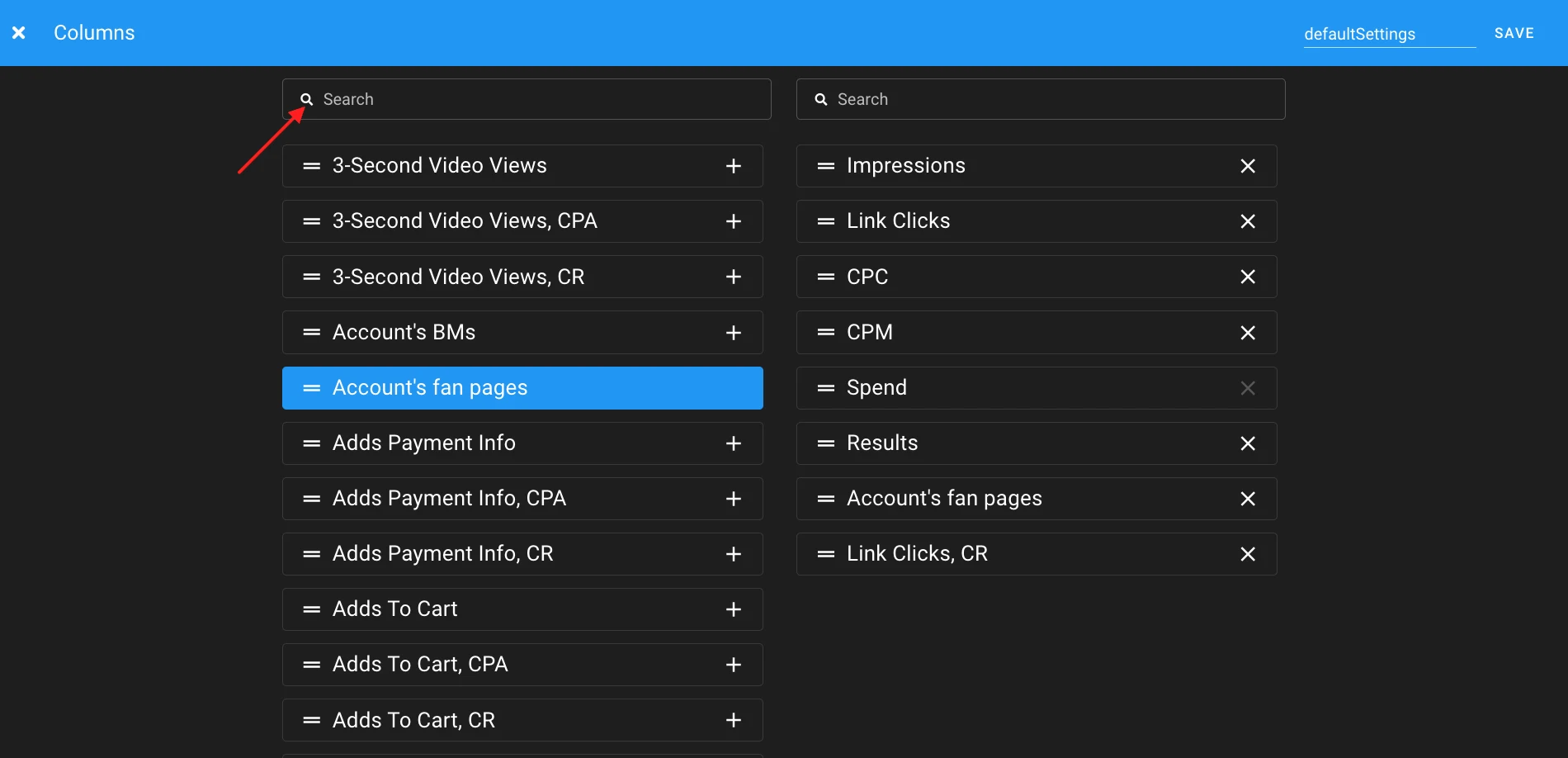
- Open the ⋮ menu in the actions bar and hover over Data export.
- Choose the format: Export to csv, Export to xls, Export to pdf or Print.
💡 Tip
The same menu lets you copy IDs, for example Copy ad accounts IDs. More on columns, currency and export: Columns, currency, export and notes.
👥 Why I may see duplicate ad accounts in stats
For example: you have account A with ad accounts 1, 2, 3. For some reason you also see ad account 2 from account B, though you don't want to. How do you fix it?
This happens if you (or someone else) linked (shared) ad account 2 from account B to account A. Either way, it means both accounts A and B own this ad account.
If you don't want to see this ad account under account B, you can delete account B from the system or archive ad account 2 under account B:
- Go to the Account section and select account B.
- Go to the Ad accounts section and find ad account 2.
- Tick its checkbox.
- In the menu above, click Archive.
Ad account 2 from account B will no longer be shown.
✅ Data in Dolphin {Cloud} is updated, but there are no stats
Date. Most likely the wrong date is selected: check its value in the top right corner.
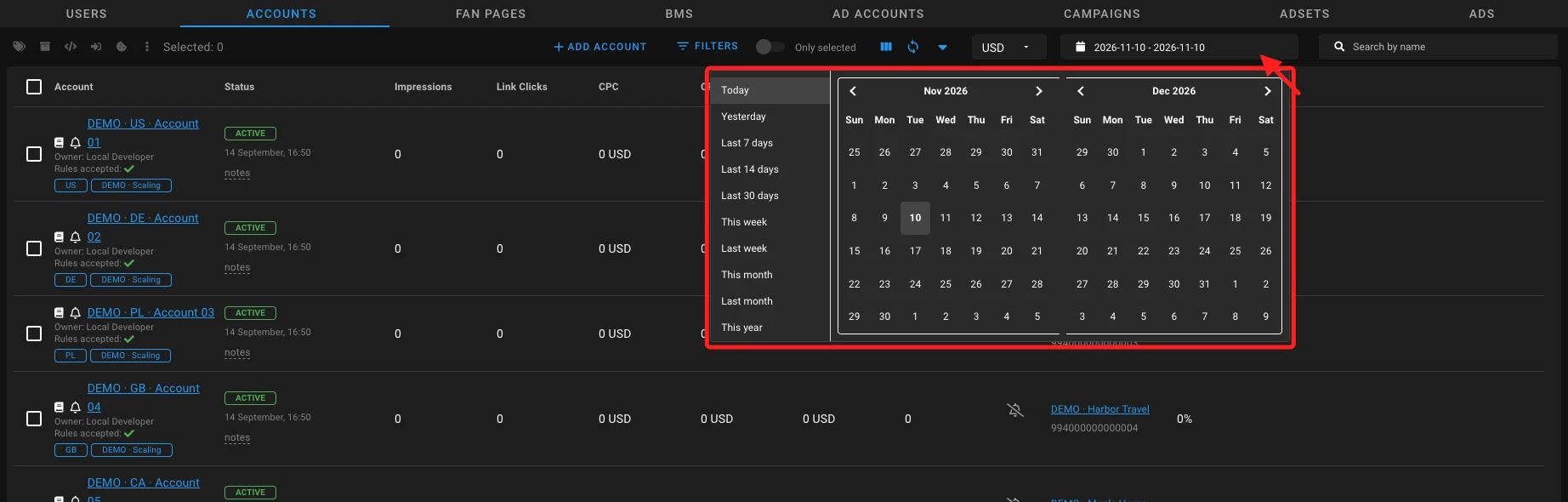
Compare with Facebook. If the date is fine, open Facebook in any antidetect browser and compare the stats there with the stats in Dolphin {Cloud}.
Token. If the results differ, refresh and check the token of the account that owns this ad account.

Proxy. Also check that your proxies work.
If this doesn't help, contact support: our specialists will help you find out why the stats are missing.
⏳ Why do stats take long to update?
There are several possible reasons:
1. You update stats manually
Manual updates are slower than automatic ones by design. The relatively low speed of manual updates comes from these factors:
- In manual mode, you naturally want the data faster. When the update runs in the background, you don't even notice it.
- A manual update pulls the ad account's full stats history by day, so you keep your stats even after the token dies. That takes longer than getting only totals for the selected dates.
ℹ️ Good to know
Accounts on the same proxy are updated one after another. For example, 3 accounts with 5 ad accounts each on one proxy means 15 ad accounts updated in turn.
2. Slow proxies, dead tokens, no permissions, wrong settings
Causes: slow proxies, dead account tokens, no permission to update the account (you are not the owner of the account you are trying to update), wrong settings.
You can sort out proxies, tokens and permissions on your own, but wrong settings are trickier. Our recommendations for setting up data updates:
- Set the account data update time based on the fact that 1 FB social account needs about 40-60 seconds for a full update (if it manages 1-2 ad accounts).
- If a social account manages 10, 20 or a gazillion ad accounts, calculate it like this: 40-60 sec * total number of ad accounts.
💡 Tip
Example: if you have 100 accounts with 1-2 ad accounts each on 5 mobile proxies (evenly split), the update time will be 30 minutes. If you have 1 proxy per 1 account, you can set 15 minutes.
⚠️ Warning
15 minutes is the minimum. We do not recommend setting less than 15 minutes. FB does not update stats more often than once every 15 minutes.
🐬 All your Facebook ad account stats in one window: try Dolphin {Cloud}