How to bulk edit and duplicate campaigns, ad sets and ads
Updated:
⚡ In short
- Bulk editing ads
- Duplication
- Useful scenarios
- Limitations
In Dolphin {Cloud} Ads Manager you can change many ads at once and duplicate campaigns, ad sets and ads in one click. This saves time when you need to refresh creatives or links, or scale a winning bundle.
ℹ️ Plan
Bulk editing ads and editing ad set parameters are not available on the Light and Start plans.
🛠️ Bulk editing ads
Since April 2026, on the Pro and Base plans and on the trial:
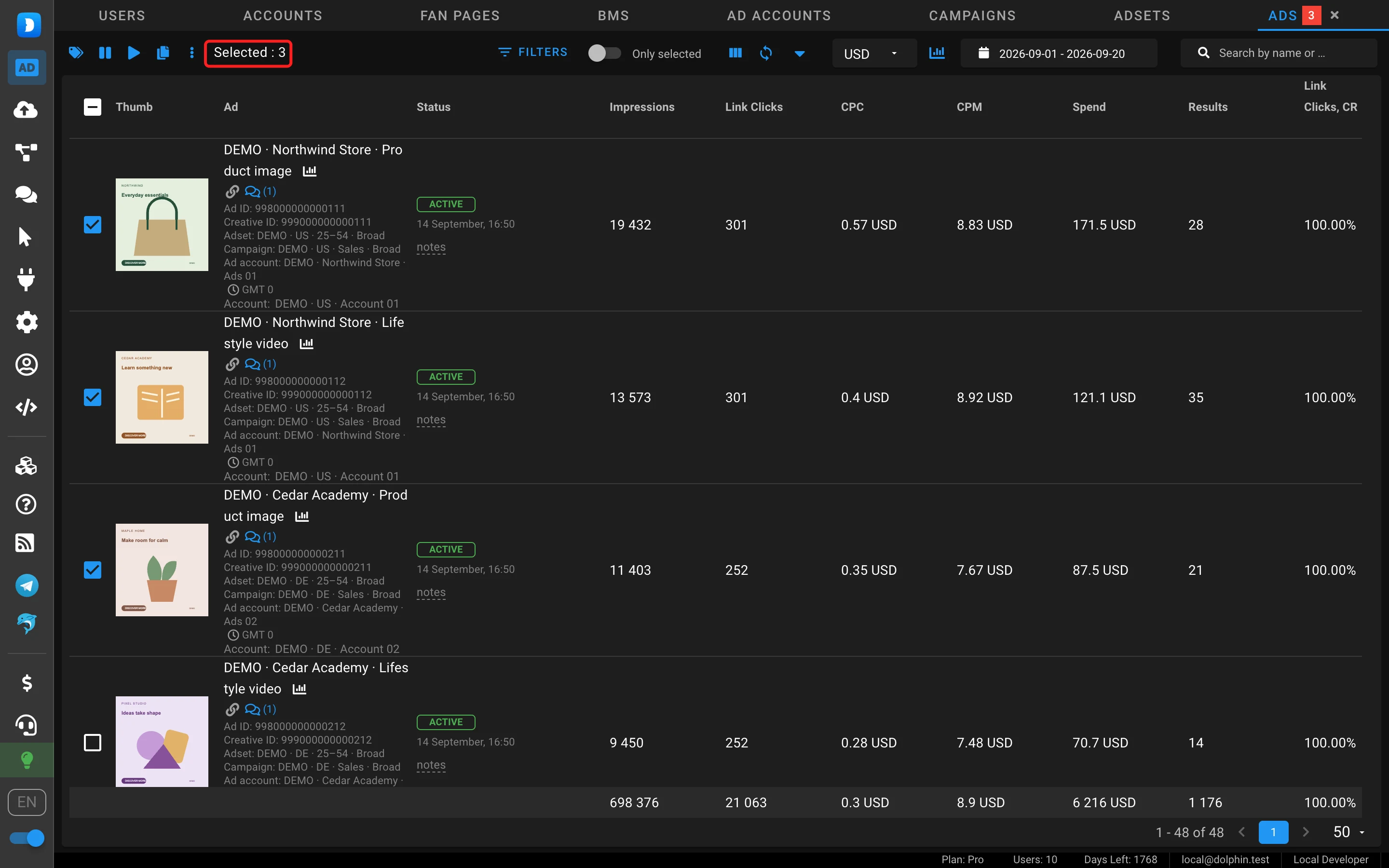
- Open the "Ads" tab and check the ads you need.
- Click the "three dots" → "Bulk edit".
- Change creatives, texts, links, deep links, link parameters or descriptions and save.
🔹 Duplication
You can duplicate at every level, and the copy is sent to Facebook review right away.
- Campaigns: with a set budget for the copies and a start time, including in bulk.
- Ad sets: copy numbering from any number, budget and bid, start time "Now", "Custom time" or "Next midnight".
- Ads: within an ad account or across all ad accounts.
Copies are named with "_", for example name_copy1, with no spaces, so trackers read them correctly.
💡 Useful scenarios
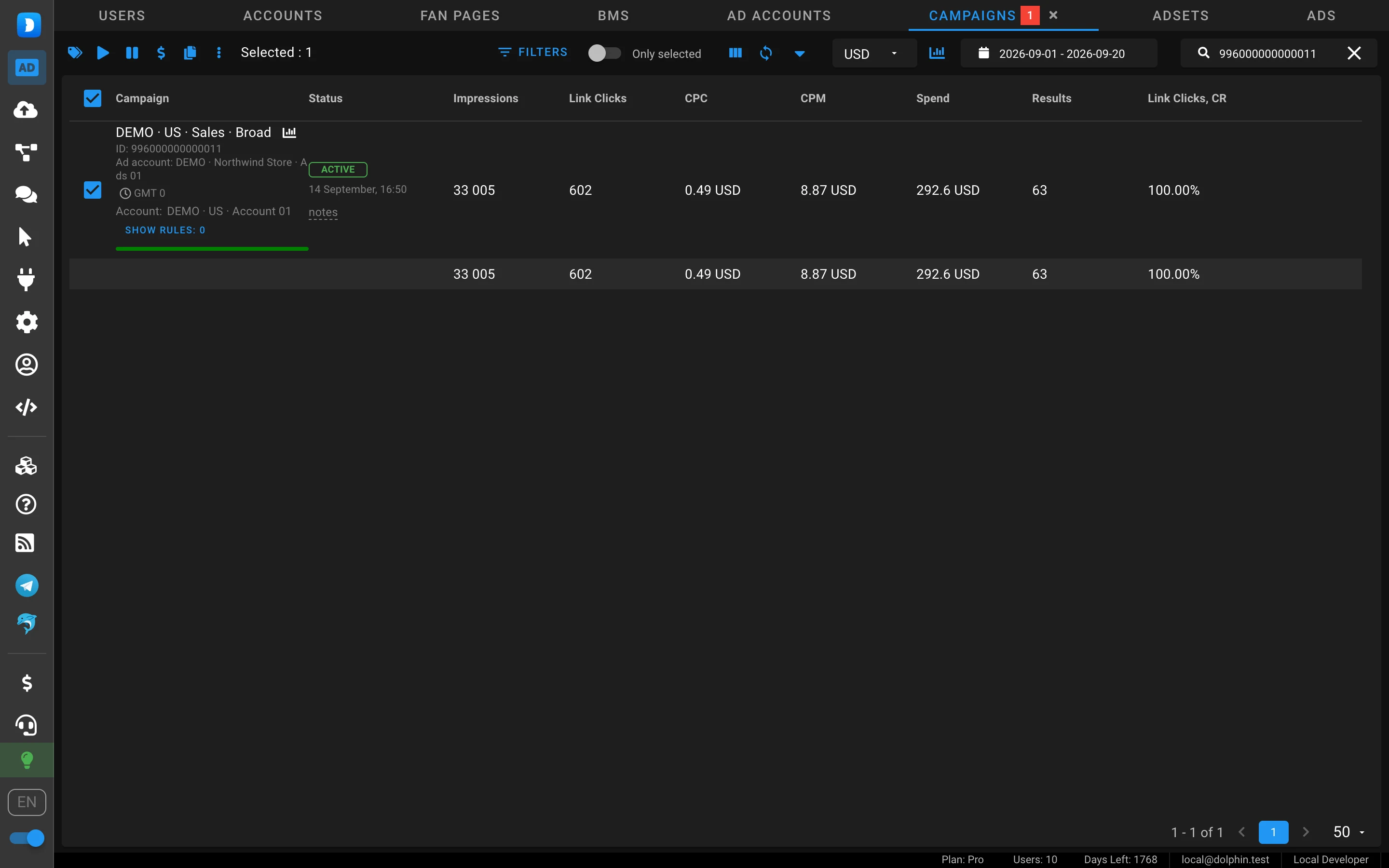
- New ad set in an existing campaign: duplicate an ad set and edit it.
- New creatives in duplicates: duplicate ad sets, check the ads from the copies on the "Ads" tab and open "Bulk edit".
- Budget after upload: "Budget and bid" → "Copy to"; see Budget when uploading.
⚠️ Limitations
⚠️ Important
- Bulk editing is not available on the Light and Start plans.
- There is no automatic duplication by rule.
- Duplication sends many requests to Facebook. Accounts added with a system token may hit API limits.
📚 See also
🐬 New to Dolphin {Cloud}? Try it free for 3 days.